Sales team using Menturi AI to research prospects and collaborate on deal strategies
Powering dozens of sales teams across the globe

Close deals faster with smart AI agents

Secure AI workspace for modern sales—qualify leads, uncover deal context, and personalize follow-ups.
Why get Menturi for your team

Sell faster with a fully featured AI chat portal built for sales teams

Help reps respond faster and win more deals

Answer prospects instantly and keep deals moving

Give reps an AI agent with 24/7 access to your pricing, positioning, and sales plays
Keep everything in one place with shared chats and reusable context across deals
Send cleaner follow ups with consistent answers across the whole team
Sales professional using Menturi AI on mobile to analyze customer pricing and develop deal strategy
Menturi AI interface showing sales performance dashboard with revenue insights, pipeline forecasting, and deal tracking analytics
Track performance and craft reports

Sales insights & forecasting

Revenue projection
See what’s driving performance and how buyers engage, so the team can adjust quickly.
Pipeline outlook
Estimate upcoming results using deal signals and recent patterns—then act on what’s most likely to close.
Competitor radar
Track industry shifts and new tech, with updates that help the team stay current.
Get started for free
Cut the admin work, keep the selling

More selling, less searching

Find product, security, and pricing answers in seconds using your team knowledge base
Pull the right details from your docs and wikis like Notion, Confluence, and Google Drive
Switch models in one workspace to balance speed, quality, and cost
Menturi knowledge base image showing a guide on how the AI knowledge base works
Get your team started in a jiffy

Onboard your sales in seconds

Step 1

Sign in

Register using your email, Google or Microsoft account. You now have access to all of Menturi.

  • Get started for free
  • Choose a plan that fits your needs
Step 2

Invite your team

Head to the Team section and send invites in bulk or individually.

  • Share a link or send invites into emails
  • Add user roles to limit access
Step 3

You’re all set

Team members can now create and participate in shared chats together with AI.

  • Switch between agents and models
  • Create unlimited chats
Unrivaled research depth

Deep research

For professionals handling complex intellectual tasks in sectors such as engineering, policy, finance, and science.

  • Admin-enabled, accessible to all users
  • Two research depths and costs to choose from
Shared knowledge

Knowledge base

Onboard new employees in seconds and keep your team sharp. The AI will know your business inside out and give out accurate answers based on your knowledge base.

  • Connect Notion, Google Drive, Confluence, etc.
  • Create and upload documents
Cost control

Keep tabs on your costs

Admins can enable models for the whole team. Each model has its own edge — speed, cost, or advanced features.

  • View the Billing view for real-time spending
  • Switch features on and off

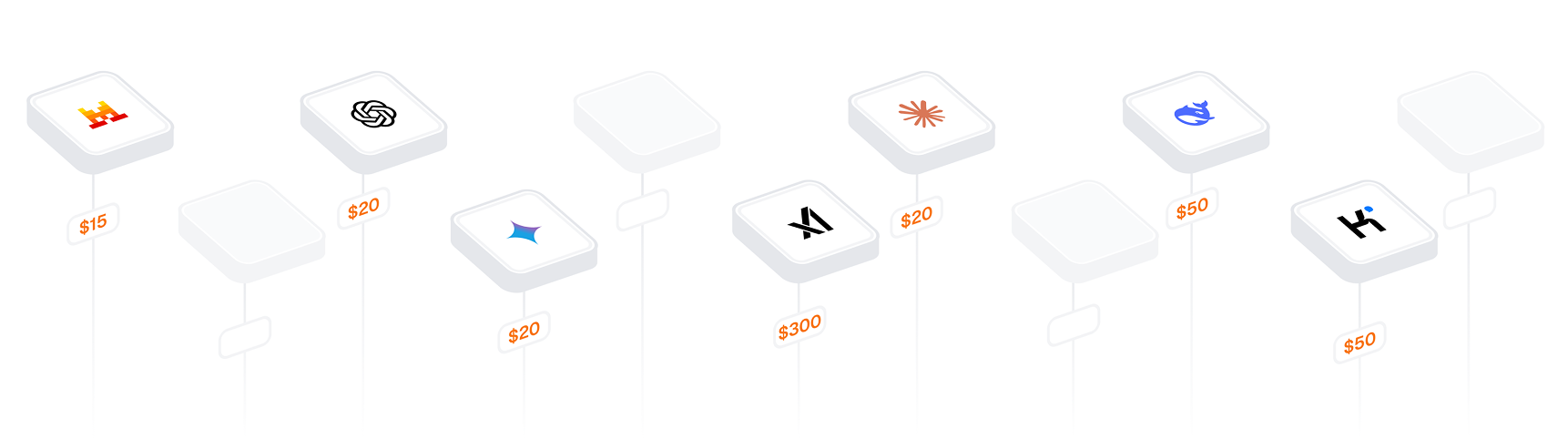
Save hundreds on your AI bill

Menturi brings every major AI model into one workspace, so your team can work faster and securely.
Standard
$9.99
/
month
/
seat
7 000 monthly credits per seat
(~250 messages with GPT-5)
Unlimited chats
Team management
Deep Research
Advanced Research
API keys
Knowledge base
Professional
$14.99
/
month
/
seat
10 seats minimum
11 000 monthly credits per seat
(~390 messages with GPT-5)
Unlimited chats
Team management
Deep Research
Advanced Research
API keys
Knowledge base
Enterprise
Custom contract
Everything in Professional
Single sign-on (SSO)
Volume discount
Priority support
Standard
$12.99
/
month
/
seat
3 Seats
7 000 monthly credits per seat
Dedicated support
Unlimited chats
Team management
Knowledge base
Professional
$19.99
/
month
/
seat
10 seats minimum
11 000 monthly credits per seat
Unlimited chats
Team management
API keys
Knowledge base
Enterprise
Custom contract
Unlimited chats
Team management
API keys
Knowledge base
Volume discount
Priority support
Frequently asked questions
  • Why use Menturi instead of ChatGPT, Claude, Gemini and others?

    One subscription gives your team access to ChatGPT, Claude, Gemini, and many other models. No managing multiple accounts, no scattered billing, and full visibility into who's using what.

  • Can I bring my own API keys?

    Yes. On Professional and Enterprise plans, you can add your own OpenAI, Anthropic, Google, or other provider keys. Your team uses your existing contracts—we just provide the workspace.

  • How does the knowledge base feature work?

    Connect your Notion, Confluence, or Google Drive, and Menturi will reference that content directly in your conversations. You stay in control of what’s connected, and the AI uses only the sources you provide.

  • How does pricing work?

    Pay per seat, starting at $9.99/month. Each plan includes monthly credits. Use our credits or bring your own API keys for unlimited usage at provider rates.

  • Is there a free trial?

    Yes. Start with a free trial—no credit card required. You'll get credits to test all features with your team.

  • Is my data secure?

    Yes. Your data is encrypted in transit and at rest, and Menturi is actively working toward SOC 2 Type II compliance. If you connect your own API keys for model providers, requests are executed via your account with that provider; your keys are handled securely and used only to process your requests.

  • What certifications and compliance standards does Menturi meet?

    We're actively pursuing SOC 2 Type II certification and follow Security, Confidentiality, Processing Integrity, and Privacy commitments. Our infrastructure is built on SOC 2 Type II certified partners (Vercel, Neon, Upstash), and we conduct annual penetration testing by external security firms.

  • How do I see what my team is using?

    Your admin dashboard shows usage by user, model, and cost. Export reports anytime or set up alerts for spending thresholds.

  • Can I control which models my team can access?

    Yes. Admins can enable or disable specific models and tools at the organization level.